Computer Course in Mohali
Computer Course in Mohali - VDS SHINE
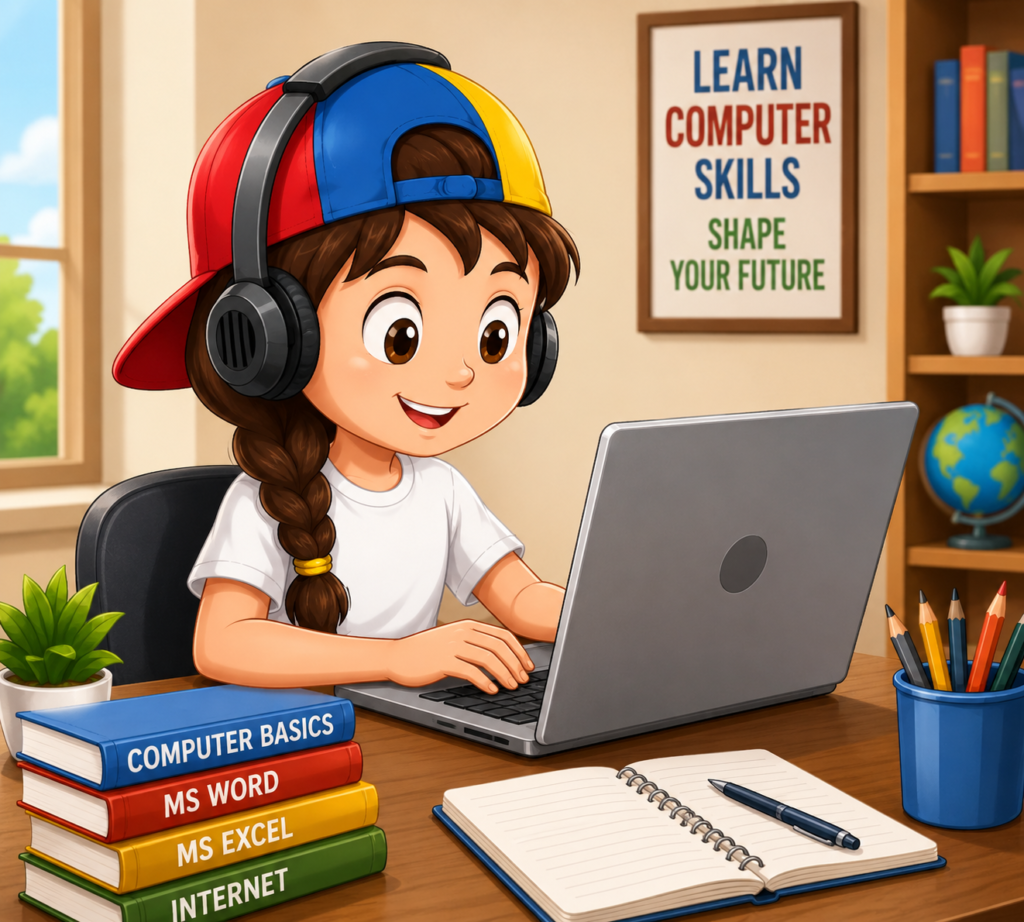
VDS SHINE is one of the best computer course providers in Mohali. We have a lot of experience teaching students as well as professionals. We are teaching basic computer courses to advanced computer courses. Our Computer classes are the perfect place to start if you’re new to computers. Learn essential skills such as navigating operating systems, managing files and folders, using the internet, and more. By the end of this course, you’ll feel confident using a computer for everyday tasks.
Basic principles of computer:
The modern word Computer is derived from the Greek word “Compute”. Again, the origin of the word computer from the Latin word Computare. The meaning of which is to calculate, if you think about it in that direction, the meaning of calculating machine is special. For example :- Calculator, Counter, Conductor.
Invention of Computer:
Charles Babbage, an English mathematician, invented the first analog computer in 1830. Then Howard Ekin of Hubbard University made a mechanical computer. Later, the digital computer was discovered, which is 200 times faster than the mechanical computer, and it gradually developed into today’s computer. Lord Byron’s daughter ‘Lady Ada Augusta’ created the world’s first computer programmer.
Definition of computer:
A computer converts a bunch of electrical waves into its own signals and solves problems with the help of commands applied by the user”.
Computer Specifications:
Computer features such as accuracy, speed, data storage, automatic operation, endurance, memory, etc.
Use of Computer:
From home to office-court, there is no place where computers are not used, in office work, business-trade, school-college-university, various types of
Computers are used in projects, industries, sports, entertainment, shops, bank-insurance companies, meteorological offices, space stations, etc.
?? And so, to give the youth of the country an opportunity to build a smart career through freelancing, we are getting the opportunity to complete each course of 12,000 to 18,000 taka for 3 to 5 months at only 1490 to 2490 taka. Thousands of young people are now successful freelancers in the last 2 years thanks to Ishikhan.
Those who do not have internet or computer, they will have the opportunity to take the courses live by visiting your nearest Ishikhan agent center. Or you can also learn by collecting DVDs of our live classes.
To know more about our course or to do the course online at home through live classes click here: Computer+IT
Topics discussed in the class:
- Microsoft Word:
In Microsoft Word, you’ll learn how to create and format documents. This includes editing text, inserting images, adjusting layout, and using templates. You’ll also explore tools for spelling and grammar checks and saving and printing your work. - PowerPoin:
In our PowerPoint course, you will learn how to create professional presentations. This includes adding and formatting slides as per your design, using design themes, inserting images and charts, and creating smooth transitions that help everywhere whether you are studying in College or Doing a Professional Job. - Excel:
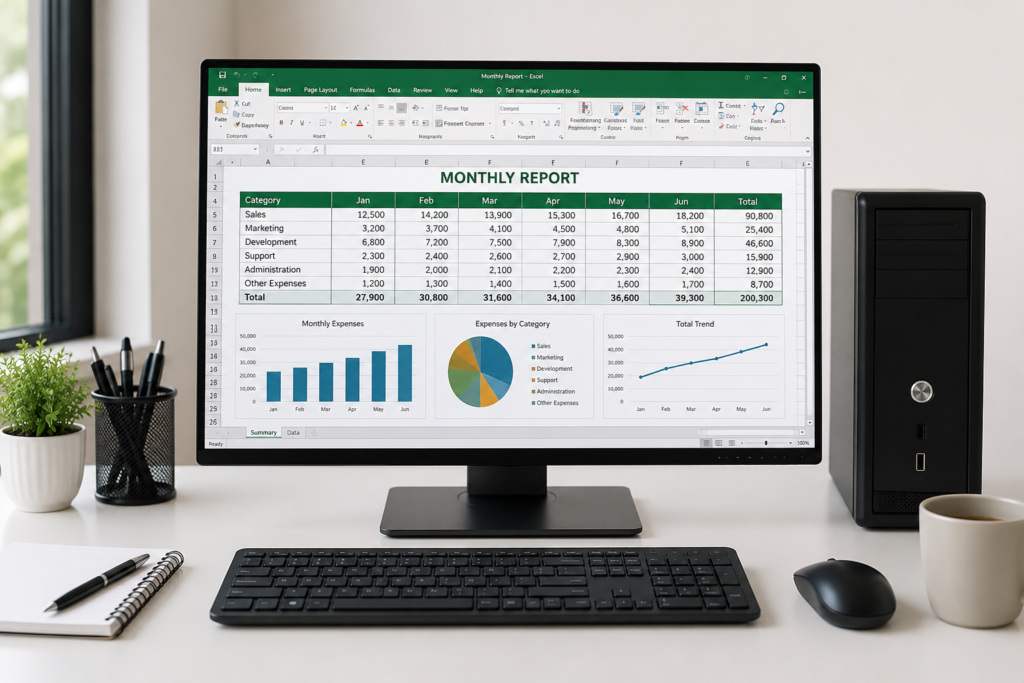
In Excel, we learn how to create and manage all details in the format and learn lots of formulas for Calculation in Excel. Excel helps you organize and analyze data for work, school, or personal projects.
- Improve Your Typing Speed:
When you take a Basic Computer Course, you are first taught to type since there is a format for typing; if you type in that format, your typing speed increases dramatically, which will benefit you in the future with tasks such as data entry. It is quite easy to get a job. - MS Paint:
In MS Paint we Discover the fun and creative world of MS Paint. Learn how to use basic drawing tools, shapes, and colors to create digital art. MS Paint is perfect for beginners exploring their artistic side or adding visuals to projects. - Notepad:
In Notepad, you’ll learn to create and edit text files effortlessly. Discover how to format text, save files in different formats, and manage basic document tasks. This course helps you work efficiently with text-based projects.
Basic Computer Course
Introduction to Computers
Operating System Fundamentals
Microsoft Word
Microsoft Excel
Microsoft PowerPoint
Internet and Web Browsing
Email Management
Multimedia Basics
Typing Skills
PDF and Document Management
Online Applications and Cloud Storage
Digital Payments and E-Governance
Introduction to AI Tools (Latest Module)
Introduction to Computers
Topics
- What is a Computer?
- Types of Computers
- Characteristics of Computers
- Hardware and Software
- Input and Output Devices
- Storage Devices
- Generations of Computers
Tools Covered
- Desktop Computer
- Laptop
- Keyboard
- Mouse
- Printer
- Scanner
Operating System Fundamentals
Topics
- Introduction to Windows
- Desktop and Taskbar
- File and Folder Management
- Control Panel Settings
- Installing and Uninstalling Software
- Shortcut Keys
Tools Covered
- Windows 10 / Windows 11
- File Explorer
- Control Panel
- Recycle Bin
Microsoft Word
Topics
- Creating Documents
- Formatting Text
- Fonts and Paragraph Settings
- Page Layout
- Headers and Footers
- Tables
- Images and Shapes
- Page Borders
- Mail Merge
- Printing Documents
Tools Covered
- Microsoft Word
- Google Docs
Microsoft Excel
Topics
- Introduction to Spreadsheets
- Rows and Columns
- Cell Formatting
- Basic Formulas and Functions
- SUM, AVERAGE, COUNT, MAX, MIN
- Sorting and Filtering
- Charts and Graphs
- Conditional Formatting
- Data Validation
- Printing Worksheets
Tools Covered
- Microsoft Excel
- Google Sheets
Microsoft PowerPoint
Topics
- Creating Presentations
- Slide Design
- Themes and Templates
- Inserting Images and Videos
- Transitions and Animations
- Slide Show Settings
- Presentation Printing
Tools Covered
- Microsoft PowerPoint
- Google Slides
Why Choose VDS Shine for Basic Computer Course?
Experienced Trainers
Complete Course Content
Hands-On Training
Beginner-Friendly
Flexible Learning
Affordable Fees
Career-Oriented Skills
Personalized Support
Certificate of Completion
Trusted Institute
Book a meeting to get started
